

It’s earnings season.
15 companies you follow report within days.
You open Claude.
One click.
The system runs.
Earnings call is analyzed.
Results are compared against years of company history.
Management language is analyzed against prior quarters.
Minutes later, you know:
What changes vs. last quarter
If your thesis strengthens or starts to break
What guidance says about the next 12–24 months
Whether margins and unit economics are getting better or worse
Whether the moat and management credibility are holding or breaking.
This is now possible with Claude.
Here’s a short video showing what the final result looks like (sound on).
I built this system and tested it across multiple companies.
Here’s exactly how you can build the same setup
What we are Building:
An AI earnings analyst.
Not a summary tool.
Not a recap generator.
A structured system that:
Knows the business
Knows your thesis
Knows the history
Detects changes and generate a memo.
The core of this system is a Claude Skill
What is a Skill?
A Skill is a reusable analytical engine.
You define the job once.
Claude executes it the same way, every time.
Think of it as hiring a specialist.
One Skill can be an earnings analyst.
Another can be a valuation checker.
Another can write investment memos.
Each Skill = one job, executed consistently.
You build it once.
Then you use it forever.
This article comes with a Skill that I have built specifically to monitor earnings.
you can install directly.
You don’t need to build anything.
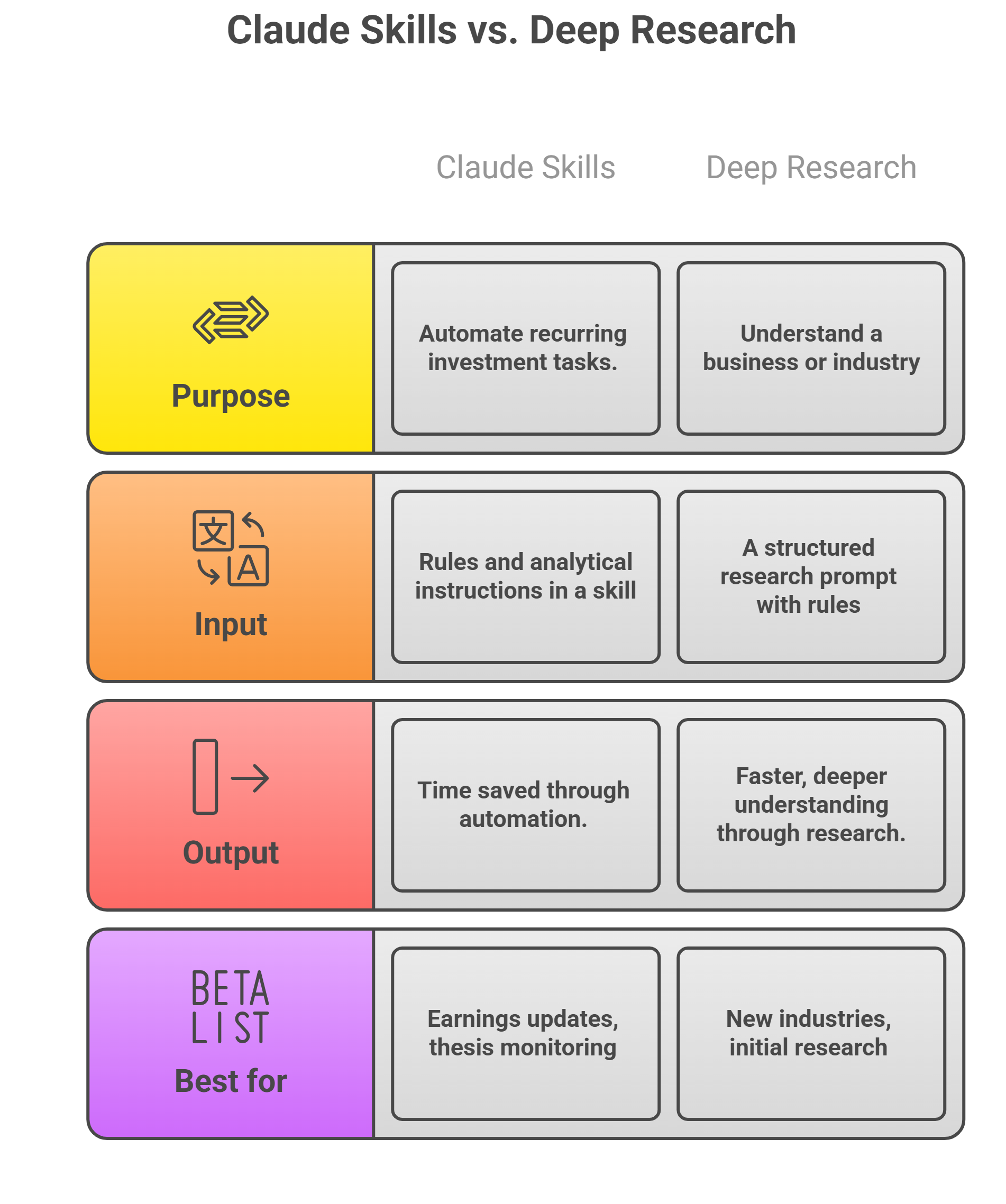
But Mostapha, you always use Deep Research… so why this?”
Deep Research creates understanding.
The Skill automates the tracking.
This image bellow explains the difference :
Step1: Build the Analyst’s Brain
Claude is useless without context, you need to give it context.
Not summaries.
The real history of the business and industry.
Before earnings season starts, build the knowledge base.
Create a dedicated folder for each company.
If have run it on Uber for this exemple:
Inside that folder, store:
Latest Annual Report:
Defines the business model, segments, long-term strategy, and key risks.
Last 6–8 Quarterly Filings:
Enables trend analysis and guidance comparison.
Earnings Call Transcripts:
Investor Presentations
What management says vs what actually happens.
Your Investment Thesis:
a short document of 1–2 pages.
This is critical.
If your thesis assumes 20% growth and the quarter shows 17%,
the system must detect the deviation.
Pro Tip (This Is a Big One)
I also upload 2 internal reports that I generated in Gemini Deep Research mode using prompts from my Prompt Library:
A Business Overview (how the company truly makes money)
An Industry Overview (competitive structure, substitutes, pricing power)
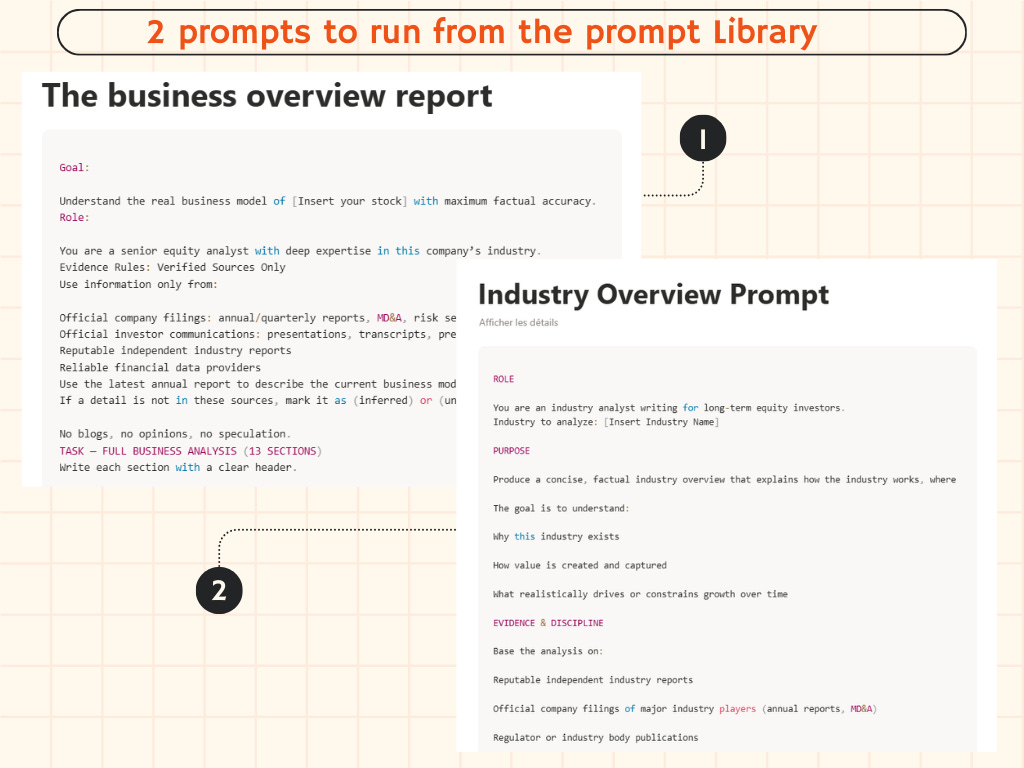
This gives Claude structural understanding.
So when margins move, it knows why that matters.
When growth slows, it understands whether it’s cyclical, competitive, or structural.
More context → better interpretation.
Take time for this step. You only need to build it once.
Step 2 : Create Your Claude Workspace
Now bring Claude into the process.
You need:
Claude Pro or Max
Skills option enabled
That’s it.
1.Install claude
Option A (Recommended for Most Investors) :Use Projects
This works directly inside claude.ai.
No desktop app required.
Go to claude.ai
Create a Project
Upload your company documents inside that Project
Projects store your files persistently.
Every time you run the Skill inside that Project, Claude references those documents.
This is the simplest and cleanest setup.
Limitation:
Projects have storage limits depending on your plan.
For most investors, this is enough.
Option B (Advanced) : Use Claude Code for Local Folder Access
This is my actual setup.
If you want Claude to read documents directly from a folder on your computer:
You must install Claude cowork desktop app .
Claude Cowork allows:
Direct access to local folders
Larger research archives
More flexible workflows
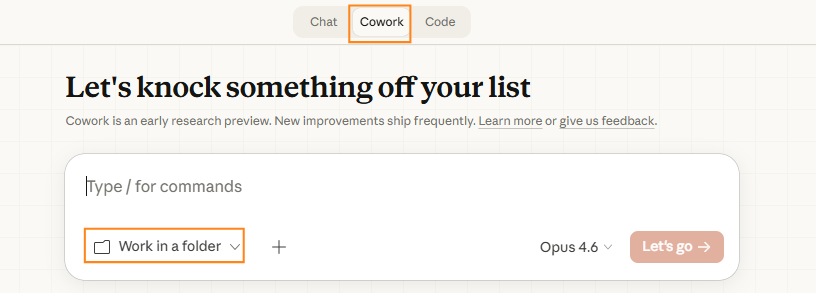
This is optional and more technical but has the best performance.
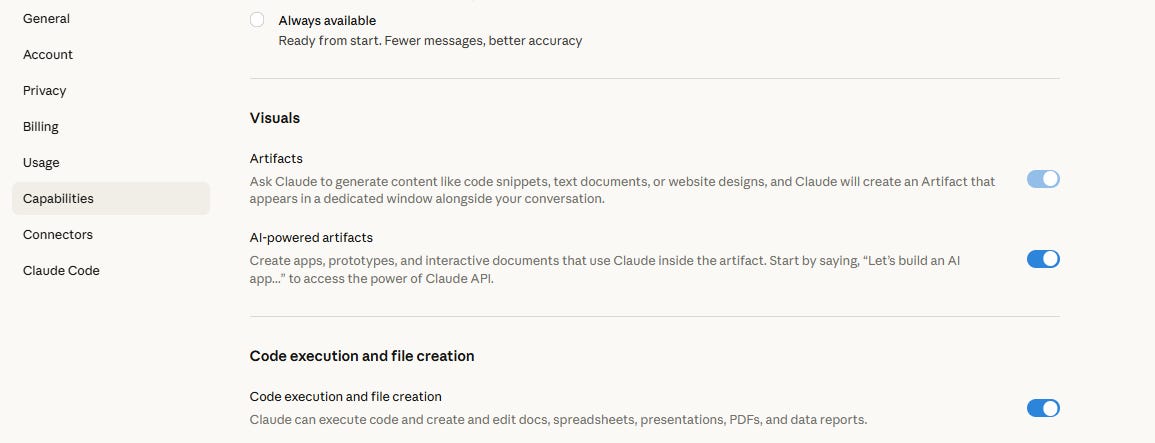
2.Enable Code Execution
Inside Claude:
Click your profile
Go to Settings → Capabilities
Turn on Code Execution
This allows Skills to run structured workflows.
You only do this once.
3.Install the Skill
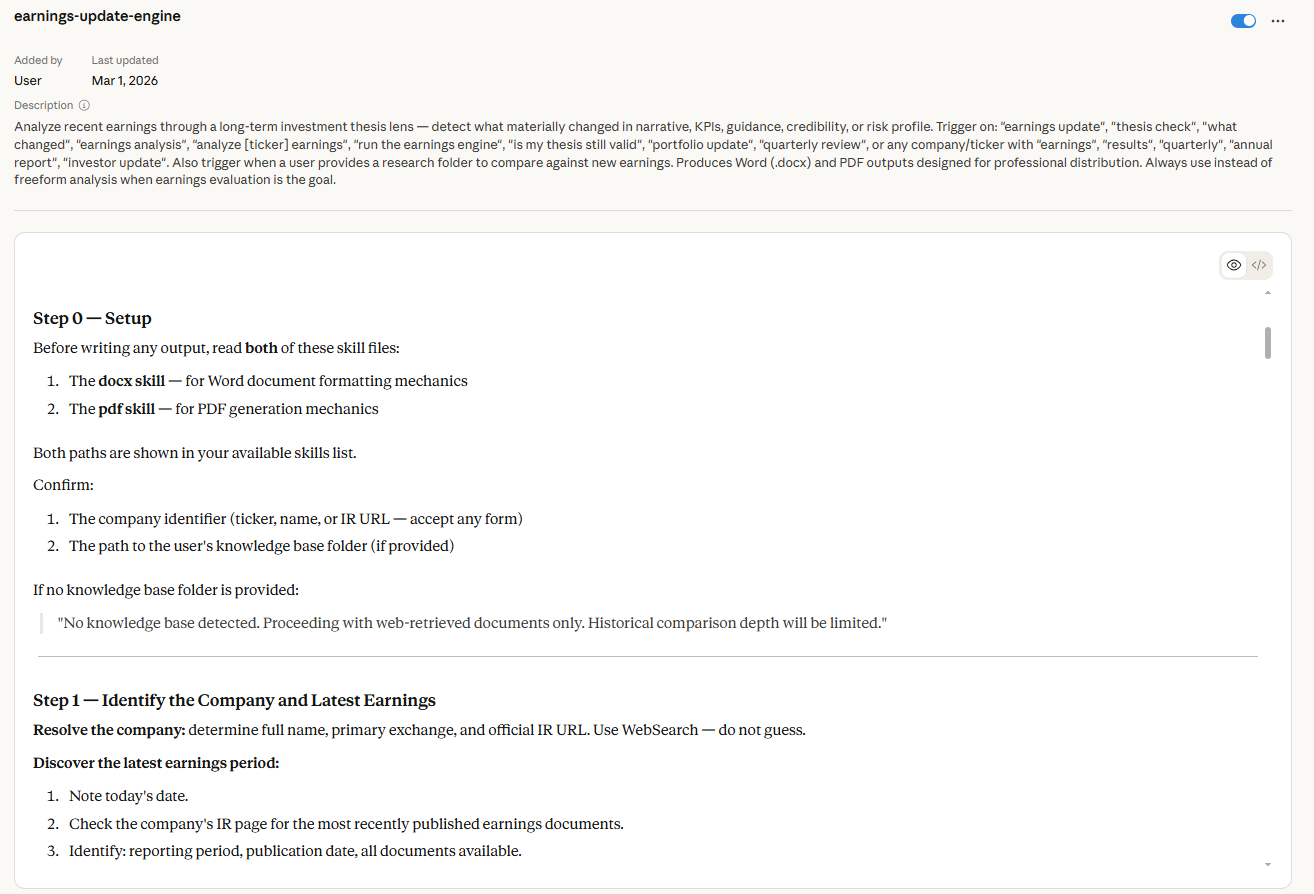
The Skill is a file in a specific format.
Inside it are structured instructions that tell Claude exactly how to analyze earnings from an investor’s perspective.
It defines:
What to check
What to compare
How to structure the output
Then Claude follows the same analytical process every quarter.
Download the
.skillfile attached bellow: