

9 P.M.
I was in my home gym, training.
It was late..
Because when you’re a father, the rule is simple:
You train early.
You train late.
Or you don’t train.
Between sets, my phone lit up.
A message in our investor group:
MSFT looks cheap here.
I thought, yes , it looks cheap compared to its usual valuation.
Then I remembered something.
And I replied:
They’re making it look cheaper…
It wasn’t just Microsoft.
Alphabet.
Meta.
Amazon.
They all extended the useful lives of their servers.
That means:
lower depreciation
higher reported earnings
and a stock that can look cheaper than it really is
Funny timing, right?
AI capex is exploding…
…and suddenly servers last longer.
Just a coincidence, I’m sure.
That got me thinking:
How one small change in the annual report can quietly change the picture.
A longer useful life.
A changed definition.
A moved segment.
A footnote most people never notice.
If you only read the last 2 annual reports, you probably miss it.
To spot it, you often need to go back 3 or 4 years.
Honestly, who does that deeply?
Until now, it was too slow.
But today, with AI, that excuse is gone.
What used to take hours is now easy to check.
The real work is no longer just reading the latest report.
The real work is comparing what changed across years.
That’s the shift AI makes possible.
So I built Annual Report Reading 2.0 with Claude.
A 3 steps workflow that:
Reads across years
Flags what changed
Surfaces the quiet details
You’re no longer asking AI to “summarize the report.”
You’re asking it to read the way a serious long-term investor wishes he could:
Across years, not just across pages.
Here’s the workflow:
The 3 Step Annual Report Reading System with AI
The idea is simple:
Go faster and deeper at the same time.
But let me be clear:
This is not the first step in the investing reserch process.
Before reading annual reports, you should already understand the basics of the business:
How it makes money
What drives revenue
What drives margins
If you want that first discovery step, read these first:
A fully automated business overview with Claude:

Or a less automated but powerful option: use NotebookLM to get an overview of any stock.

Once the business model is clear this is when reading annual reports matter.
But not one by one.
Across years. At the same time.
Like a time-lapse.
That’s possible with the right AI workflow:
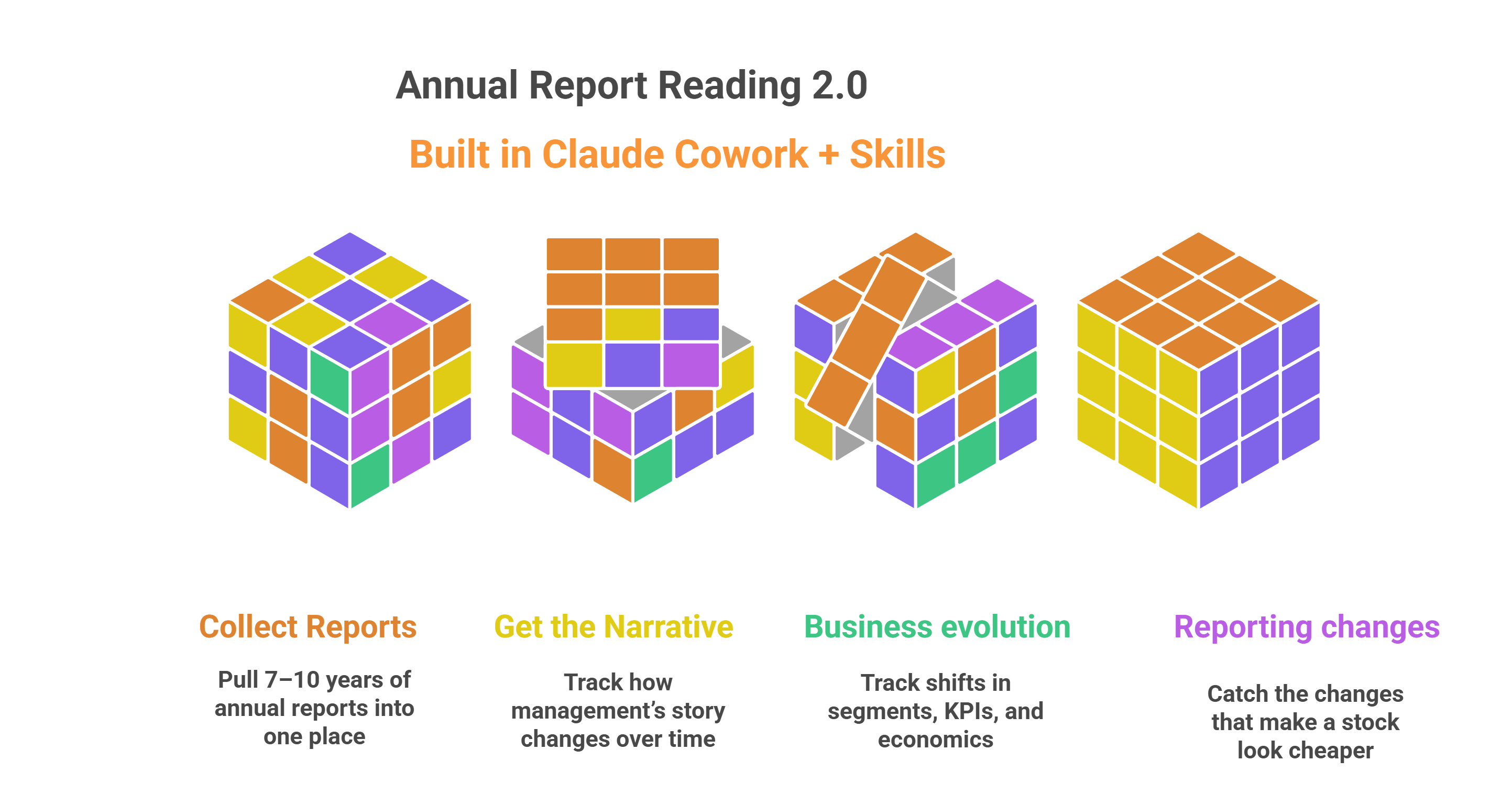
The system we are building
We’ll build this inside Claude Cowork.
Why?
Because this workflow needs:
lots of pages
lots of reports
and multiple years compared at once
And that means context matters.
That’s where Claude Cowork is required.
We’ll also use Skills.
Skills are just repeatable workflows.
Instead of re-explaining the job every time, you create a system Claude can run the same way again and again.
I built this based on what I actually look for after years of doing the work manually.
You can download all skills at the end of the article.
But first, let me show you how the system works.
Understanding it matters more than just copying it.
The system is designed to:
1. Collect
Pull the latest annual report, grab prior years, and put everything into one clean workspace Claude can read.
2. Read the Story
Compare management commentary across years to spot changes in tone, priorities, and framing.
3. Read the Business Behind the Numbers
Compare the company across years from 2 angles:
Business evolution: Compare business descriptions, segments, revenue mix, and KPIs to see how the economic engine evolved.
Accounting / reporting evolution: Compare policies, estimates, and key disclosures to catch what changed behind the numbers and what may only look better on paper.
Let’s build this :
Step 1 : Collect resources
This step allows us to gather all annual reports, transcripts, investor presentations, and other key official documents.
I created a Collector Skill inside Claude that you can download and reuse later.
Its only job is simple:
Pull the latest annual reports, grab as many prior years as available, and put everything into one clean workspace.
To use it:
Install Claude Desktop / Cowork on your computer
Turn on Extended Thinking
Use Opus 4.6
Select a working folder (where the files will be stored)
Type:“Use the filing collector skill to Download all the official documents for Copart.”
Let’s be honest: you can always do this manually.
It’s only a small bonus.
The real leverage is in the next steps.
Step 2 :Management Narrative Evolution Reader
This is where the real work starts.
The goal is simple:
What story did management repeat?
What changed in tone?
What disappeared?
What suddenly became important?
What got reframed?
What is management emphasizing now that they barely mentioned before?
How to run it
In cowork Select a working folder (where the files are stored)
Type:“Use the narrative drift skill on XXX stock.”
Claude will run the Skill automatically.
Inside the Skill, I already defined:
the logic
the analysis framework
and the exact output format I want
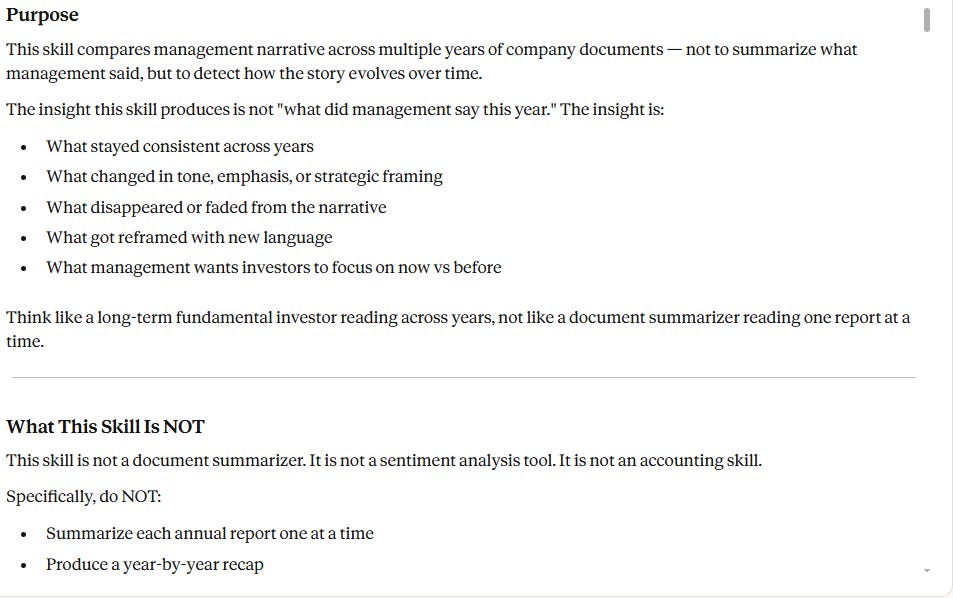
The output gives you 2 things
1. A 5–6 page Word document
An analysis of how management’s narrative changed across years:
what stayed consistent
what changed
what was added or removed
what became more important
and where the story may be shifting before the numbers fully reflect it
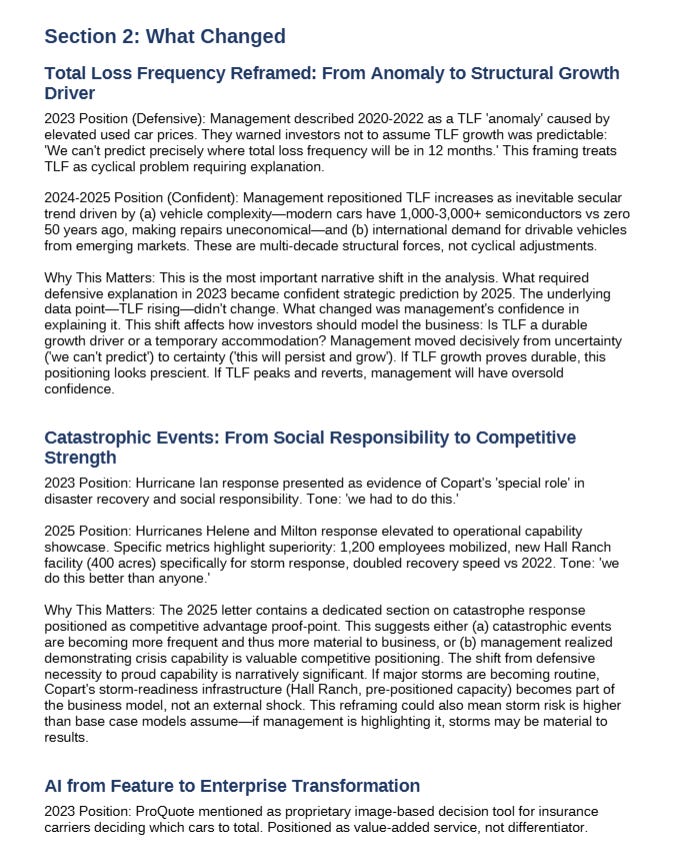
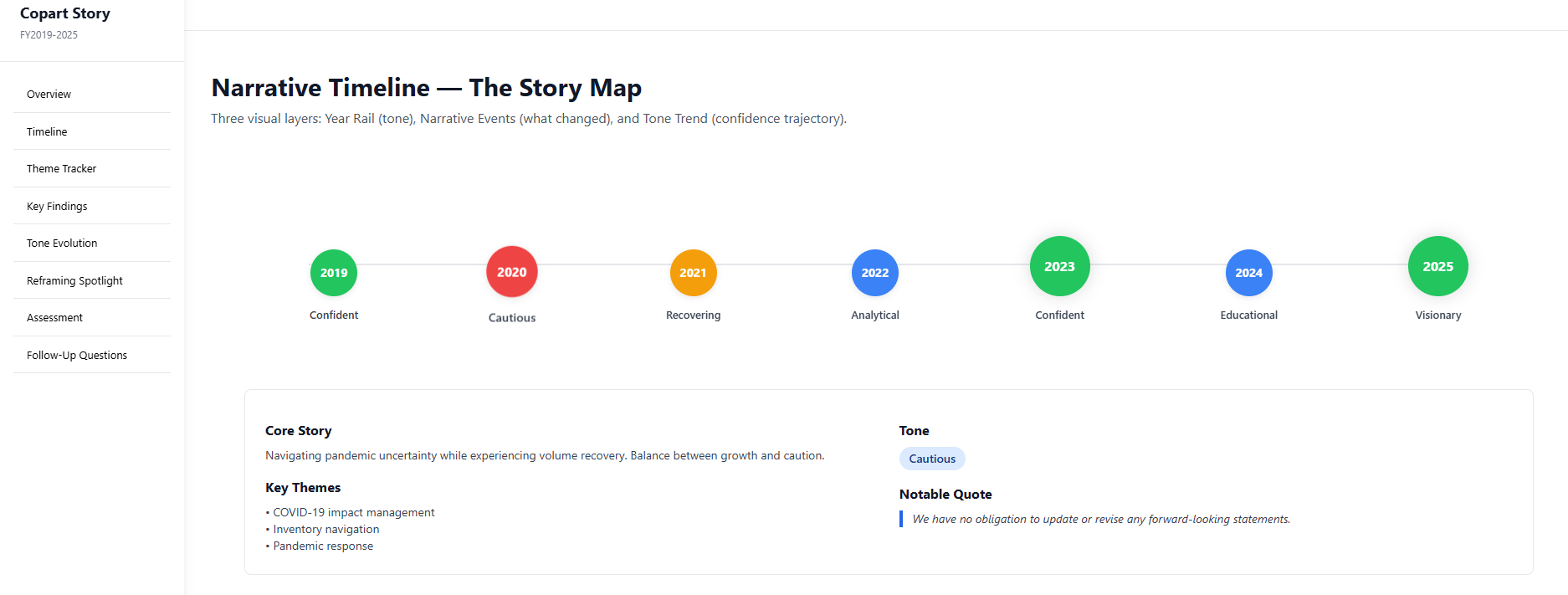
Narrative report on Copart
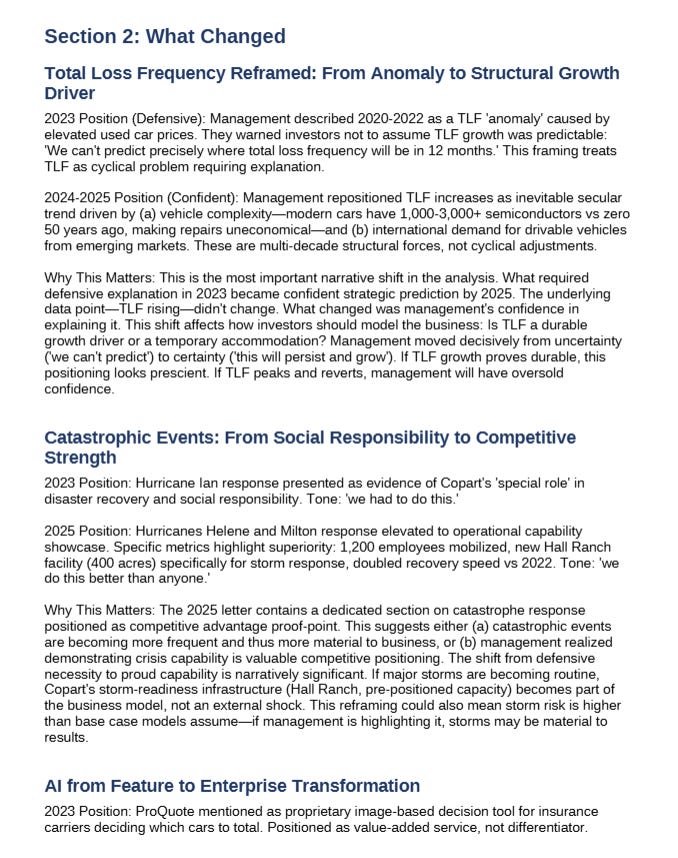
2. A structured interactiv web page that makes the reading easy
Step 3: Business & Reporting Evolution
A big part of reading annual reports over time is spotting the subtle changes that can completely change your interpretation of the business.
This Skill reads all the documents from Step 1 across multiple years at once.
And it does it from 2 angles:
Business evolution: how the economic engine changed
Accounting / reporting evolution: what changed behind the numbers
Business evolution
First, it looks at how the business itself evolved.
It compares:
business descriptions
segments
revenue mix
KPIs
product / geographic mix
operating commentary
Accounting / reporting evolution
Then it scans for the quieter changes.
The ones most people skip.
It compares:
policies
estimates
useful lives
segment definitions
non-GAAP bridges
expense classification
other changes that affect comparability
This is where you catch things like:
a longer useful life
a redefined segment
a new adjusted metric
a moved expense
Not fraud.
Optical improvement.
The kind of change that can make margins, earnings, or valuation look better than they really are.
How to run it
In Claude Cowork, select the working folder.
Then type:
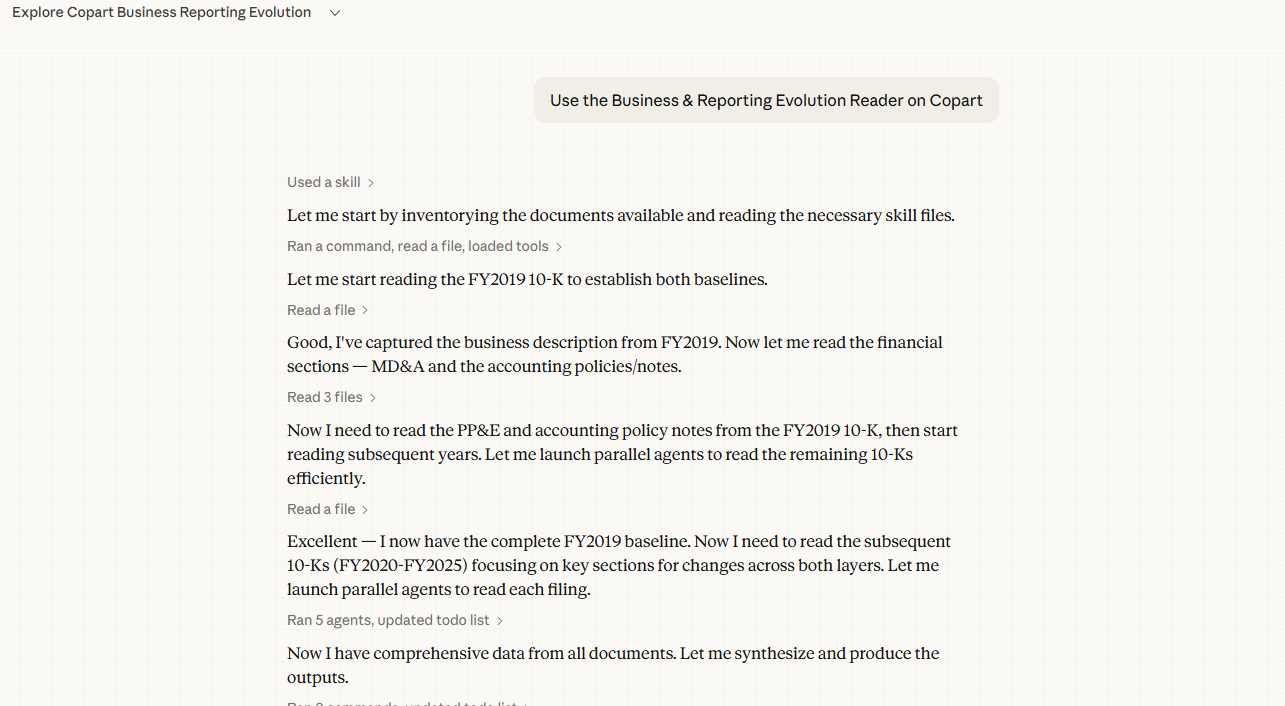
“Use the Business & Reporting Evolution Reader Skill on XXX stock .”
Claude will run the Skill using the logic and output structure already defined.
The output gives you 3 things:
A structured memo explaining what really changed
A comparison table showing the key changes across years
A clean web page with the key findings
Install the 3 Skills
Download the file attached below: